
AI Powered Full Stack Development
Master full stack development with practical training, live projects, and real-world assignments. Learn to use AI tools to code faster and smarter. Perfect for beginners looking for a job-oriented web development course in Delhi with real skills and career support.
About Full Stack Course
Full Stack Development is one of the most in-demand skills in today’s technology industry. This course is designed to help students and professionals learn how to build complete web applications from front-end interfaces to back-end systems and databases. The Full Stack Development course focuses on practical training, real-world project work, and industry-relevant tools.
What Skills You Will Gain From This Course?
HTML
CSS
Bootstrap 5
Javascript
Git
Tailwind
React JS + Next.js
Node Js

Express Js
Mongo Database
AWS
DevOps
Course Duration & Mode
Duration
6 months
Mode
Offline & Online
Batch
Weekday & Weekend
Practical Sessions Included
Full Stack Development Course Curriculum
- Module 1: Introduction to HTML
Why & How to Learn HTML, Create Your First Web Page - Module 2: Text & Formatting
HTML Formatting Tags, Important Tags - Module 3: Images & Links
Image in Web Page, Linking Pages - Module 4: Tables & Layout
HTML Table, Block and Division - Module 5: Design & Structure
Template Design - Module 6: Multimedia
Media, Video, Audio - Module 7: Forms
HTML Forms, Advanced HTML5 Form - Module 8: Graphics
HTML Graphics - Projects
Project-1
- Module 1: Introduction to CSS
Introduction to CSS - Module 2: Syntax & Selectors
Syntax & Selectors - Module 3: Colors & Background
Colors & Background - Module 4: Box Model & Spacing
Margin, Padding & Borders, Box Model - Module 5: Effects & Styling
Pseudo & Opacity, Gradients & Shadows - Module 6: Layout Design
Website Layout - Module 7: Responsive Design
CSS Responsive, Media Query - Module 8: Flexbox
Flexbox - Projects
Project-2
- Module 1: Introduction to Bootstrap
Get Started with Library & CDN - Module 2: Layout System
Bootstrap Containers, Bootstrap Grid System - Module 3: Components Basics
Bootstrap Jumbotron, Bootstrap Badges & Cards - Module 4: Interactive Components
Bootstrap Dropdowns & Collapse - Module 5: Navigation
Bootstrap Navs & Navbar - Module 6: Advanced Components
Bootstrap Carousel, Bootstrap Modal & Popover - Projects
Project-3
- Module 1: Basics of JavaScript
Syntax & Statements of JavaScript, Coding Fundamentals & Logic - Module 2: Data Types
String & Array - Module 3: DOM & Events
Events & Forms - Module 4: Functions
JavaScript Functions, Advanced Functions - Module 5: Objects & Prototypes
Objects & Prototypes in JavaScript - Module 6: Error Handling
Error & Exception Handling - Module 7: Object Oriented JavaScript
JavaScript Object Oriented - Module 8: JSON
Introduction of JSON - Projects
Build Dynamic Web Features
- Module 1: Introduction
Understand version control - Module 2: Basics of Version Control
Version Control Basics, Git vs GitHub - Module 3: Setup
Git Install & Setup - Module 4: Git Commands
git init, add, commit, status, log - Module 5: Remote Repository
Push, Pull - Module 6: Branching & Merging
Branching & Merging, Merge Conflict Resolution - Module 7: Best Practices
.gitignore, Commit Messages - Practical
Push Project to GitHub, Create Branch and Add Feature
- Module 1: ReactJS Core Concepts
JSX, Components, Props, State, Events, Conditional Rendering, Lists - Module 2: Hooks & Architecture
useState, useEffect, useRef, useContext, useReducer, Custom Hooks - Module 3: Routing
React Router, Dynamic & Protected Routes - Module 4: API Integration
Axios, REST APIs, Error Handling - Module 5: Forms
React Hook Form, Zod Validation - Module 6: Styling
CSS Modules, Tailwind CSS, UI Libraries - Module 7: State Management
Context API, Redux Toolkit - Module 8: Performance
useMemo, useCallback, Lazy Loading - Module 9: Authentication
JWT, Protected Routes - Module 10: Next.js
Routing, SSR, SSG, API Routes - Module 11: Fullstack
MongoDB, CRUD, Architecture - Module 12: AI Integration
OpenAI API, Prompt Engineering, Chat Apps - Module 13: Deployment
Vercel, Netlify - Projects
Dashboard, Fullstack App, AI App
- Module 1: Introduction to ExpressJS
What is Express, Why Express - Module 2: Routing Basics
ExpressJS Routing, app.method(path, handler) - Module 3: HTTP Methods
GET, POST, PUT, DELETE Routes - Module 4: Middleware
ExpressJS Middleware - Module 5: Templating & Static Files
Templating, Serving Static Files, Multiple Static Directories, Virtual Path Prefix - Module 6: Forms & Data Handling
Form Data Handling, Database Integration - Module 7: Cookies & Sessions
Cookies, Adding Cookies with Expiration, Deleting Cookies, Sessions - Module 8: Authentication
User Authentication - Module 9: RESTful APIs
Building RESTful APIs - Projects
Project using MongoDB
- Module 1: Node.js Fundamentals
Introduction, Why Node.js, Installation, CLI usage, REPL, running Node.js files. - Module 2: Core Modules
Working with built-in modules such as fs, path, os and performing file operations like read, write, update, delete. - Module 3: HTTP Server
Creating servers using the HTTP module, request/response handling, headers and status codes. - Module 4: Express.js Framework
Building REST APIs using Express, routing, middleware and error handling. - Module 5: Database Integration
MongoDB integration, CRUD operations and using Mongoose for schema modeling. - Module 6: Authentication & Security
User authentication, password hashing, JWT tokens, protected APIs and security practices. - Module 7: NPM & Package Management
Using npm, installing packages, global vs local packages, scripts and environment variables. - Module 8: File Handling & Uploads
Handling files and implementing file upload features for images and documents. - Module 9: Email Services
Sending verification emails, OTP systems and password reset functionality. - Module 10: AI Integration
Integrating AI APIs, building chat and text generation APIs, prompt handling and streaming responses. - Module 11: Fullstack Integration
Connecting Node.js backend with React or Next.js applications and designing scalable APIs. - Module 12: Performance & Scalability
Async programming, event loop understanding and optimization strategies. - Module 13: Testing & Debugging
Debugging Node.js apps and API testing with tools like Postman. - Module 14: Deployment
Production setup, deployment platforms and process management. - Capstone Projects
CRUD REST API, Authentication System, File Upload Service and an AI-powered backend API.
- Module 1: Introduction
Mongo DB, What Is MongoDB?, What Is Mongoose? - Module 2: Setup
Installing MongoDB, Setting Up Mongoose - Module 3: Database Operations
MongoDB – Create Database, The use Command, MongoDB – Drop Database - Module 4: Collection Operations
MongoDB – Create Collection, MongoDB – Drop Collection - Module 5: Data Handling
MongoDB – Datatypes, MongoDB – Insert Document - Module 6: Query Operations
MongoDB – Query Document, MongoDB – Projection, MongoDB – Limit Records, MongoDB – Sort Records - Module 7: Update & Delete
MongoDB – Update Document, MongoDB – Delete Document - Module 8: Node.js Integration
MongoDB and Node.js Tutorial – CRUD Operations, Creating a Database, Node.js MongoDB Create Collection - Module 9: Insert Operations (Node.js)
Node.js MongoDB Insert, Insert Into Collection, Insert Multiple Documents - Module 10: Find Operations (Node.js)
Node.js MongoDB Find, Find One, Find All, Find Some - Module 11: Query & Filter (Node.js)
Node.js MongoDB Query, Filter With Regular Expressions - Module 12: Advanced Operations (Node.js)
Node.js MongoDB Sort, Node.js MongoDB Delete, Delete Document, Delete Many, Node.js MongoDB Drop, Node.js MongoDB Update, Node.js MongoDB Limit - Module 13: Data Relations
Node.js MongoDB Join - Projects
Project using MongoDB
- Module 1: Introduction
Deploy Web Applications on Cloud - Module 2: Cloud Basics
Cloud Computing Basics - Module 3: AWS Setup
AWS Introduction & Account Setup - Module 4: EC2 Deployment
Launch Instance, SSH, Deploy Backend - Module 5: S3 Hosting
Static Hosting - Module 6: Configuration & Security
Environment Variables, HTTP vs HTTPS Basics - Practical
Deploy Backend on EC2, Host Frontend on S3
- Introduction
Automate Deployment and Manage Server - DevOps Basics
DevOps Basics & Lifecycle - Git Workflow
Git Workflow & Pull Requests - CI/CD
CI/CD Basics - Automation Tools
GitHub Actions (Intro) - Containerization
Docker (Intro) - Server Management & Security
PM2 Server Management, Security Basics (env, API keys) - Practical
Setup Auto Deployment, Run Node App using PM2
Project Based Practical Training
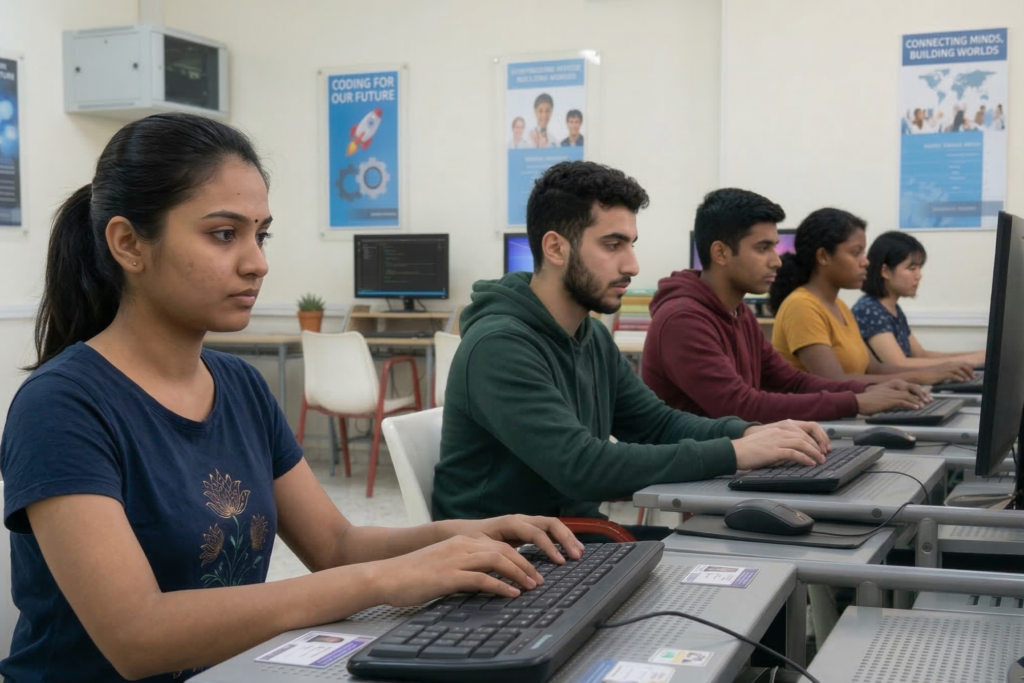
VSIT provides project based practical training where students work on real industry projects to gain hands-on experience and job-ready skills. This approach helps learners understand real-world scenarios, improve problem-solving abilities, and build strong portfolios for career opportunities in IT, development, data analytics, and digital marketing in Delhi.
- Real Industry Projects – Work on live projects to gain hands-on experience in real scenarios.
- Practical Skill Development – Build job-ready skills through continuous practice and guided training.
- Portfolio Building – Create strong projects to showcase your skills to employers.
- Problem Solving Approach – Learn how to solve real-world challenges using practical methods.
- Career Ready Training – Gain experience that helps you confidently apply for jobs in IT, development, data analytics, and digital marketing in Delhi.
Why Learn Full Stack Development?
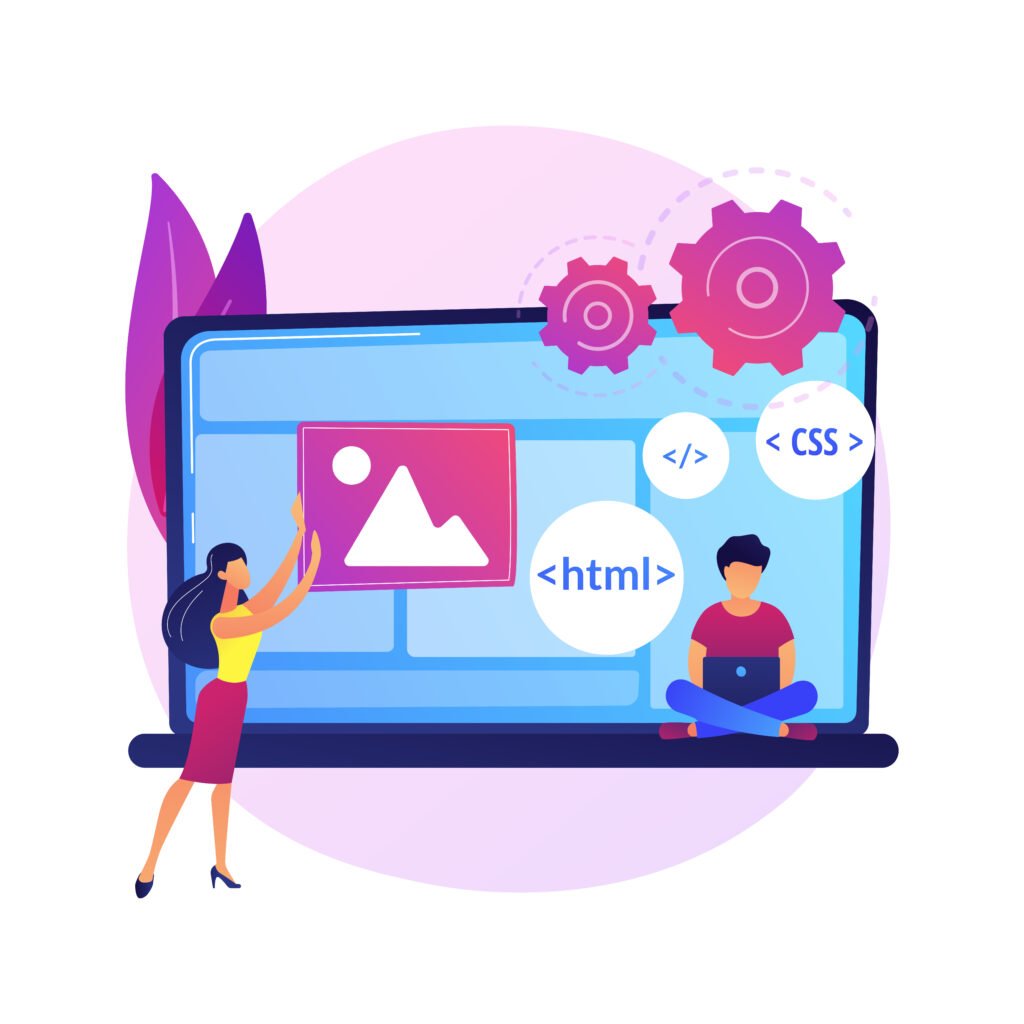
Full Stack Development is one of the most in-demand skills in the IT industry, allowing you to build complete web applications from frontend to backend. At VSIT, students gain practical knowledge, work on real projects, and develop job-ready skills required for modern web development careers in Delhi and beyond.
- High Industry Demand – Full stack developers are highly demanded across startups, companies, and tech industries.
- Complete Development Skills – Learn both frontend and backend to build full web applications independently.
- Real Project Experience – Gain practical skills by building real-world applications during training.
- High Salary Potential – Skilled full stack developers are offered competitive salary packages in the industry.
Who Should Join This Full Stack Course?
This course is ideal for anyone who wants to build a career in web development and gain practical skills in modern technologies. At VSIT, the training is designed for beginners as well as professionals who want to upgrade their skills and become job-ready in the IT industry.

What Are The Career Opportunities After Full Stack Course?
After completing a Full Stack Development course, students gain the skills required to work on both frontend and backend technologies, making them highly valuable in the IT industry. At VSIT, the training focuses on practical knowledge and real projects, helping students become job-ready for various roles in web development and software development in Delhi and across India.
Full Stack Developer
Web Developer
Frontend Developer
Backend Developer
Software Developer
Software Engineer
Why Choose VSIT?
Learn from experienced mentors who provide practical guidance and industry insights.
Get personalized attention and better understanding through small group training sessions.
Build real skills with hands-on training focused on industry requirements effectively.
Prepare confidently for interviews with guidance, practice, and expert tips
Designed to help students gain skills required for real job opportunities in IT industry.
Work on live projects to gain practical experience and industry exposure in Delhi.
Frequently Asked Questions
Yes, this Full Stack Developer Course is specially designed for beginners, starting from basic programming and web development concepts and gradually progressing to advanced full stack technologies with practical implementation.
No prior coding experience is required to join this Full Stack Development course, as everything is taught step-by-step from scratch, although basic computer knowledge can be helpful for faster learning.
Yes, classroom training is available at VSIT in Delhi, along with flexible online learning options, making it convenient for students and working professionals to enroll in the Full Stack Developer Course in Delhi.
Yes, this Full Stack Development training includes hands-on assignments and real-time projects where students build complete web applications to gain practical industry-level experience.
Yes, VSIT provides structured career guidance, resume building support, and interview preparation to help students confidently secure Full Stack Developer jobs in the IT industry.