
Power BI Course in Delhi
Learn Power BI with hands-on training, real datasets, and practical projects. Use AI tools for smarter data analysis and reporting. Perfect for beginners looking for a job-oriented Power BI course in Delhi with career support.
About Power BI Course
The Power BI Course focuses on teaching data visualization, business intelligence, and analytical reporting using Microsoft Power BI. It helps transform raw data into interactive dashboards, reports, and meaningful business insights. It is widely used by organizations to analyze data, monitor performance, and support data-driven decision making.
What You Will Learn In This Course?
Power BI Fundamentals
Learn interface navigation, data connections, and report creation for business intelligence workflows.
Data Import & Transformation
Work with Power Query to clean, transform, and prepare datasets for accurate analysis.
Data Modeling Concepts
Understand relationships, tables, and structured data models for effective reporting.
DAX Functions & Calculations
Use Data Analysis Expressions (DAX) to create calculated fields and analytical measures.
Dashboard & Report Creation
Design interactive dashboards, charts, and visual reports for business insights.
Data Visualization Techniques
Present data using graphs, KPIs, filters, and interactive visuals.
Course Duration & Mode
Duration
3 months
Mode
Offline & Online
Batch
Weekday & Weekend
Practical Sessions Included
Power BI Course Curriculum
- Welcome to the Course
- Course Overview
- Introduction to Power BI
- Class Resources
- Power BI Basics
- Power BI Pro License
- Power BI Desktop
- Power BI Services
- Power Query Editor
- What is Power Query Editor
- Data Profiling Tools
- Group By Dialog
- Applied Steps
- Appending vs Merging
- Different Visuals in Power BI
- Charts in Power BI
- Different Charts in Power BI
- Introduction to DAX
- Implicit Measures
- DAX Formula
- Basic DAX Functions
- Date Function
- Calendar Function
- Row vs Filter Context
- IF ELSE Function
- Time Intelligence Function
- X vs Non-X Functions
- Tool Tips
- Drill Through
- Relations in Power BI
- Introduction to KPIs
- What are KPIs
- Power BI KPIs
- Administration Overview
- Admin vs Member vs Contributor vs Viewer
- Why Security
- Row Level Security (RLS)
- What is EDA
- Live Project
- Formatting Options in Power BI
- Best Practices in Power BI
- Power BI Interview Questions and Answers
Practical Based Project Training
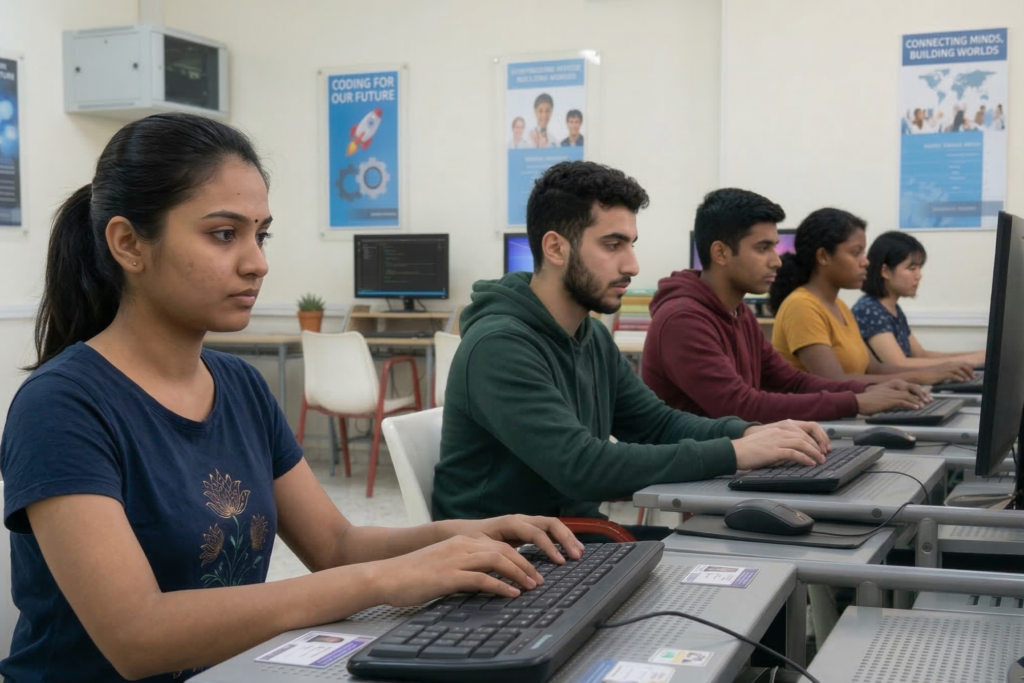
At VSIT, students work on real-world projects using Microsoft Power BI to gain hands-on experience in data analysis and dashboard creation. Our project-based training in Delhi helps learners build strong portfolios and become job-ready for data analytics roles.
- Sales Dashboard Project – Create dashboards to track sales performance, revenue, and trends.
- • HR Analytics Dashboard – Analyze employee data like attendance, attrition, and performance.
- • Financial Analysis Report – Build reports for profit, loss, and financial insights.
- Data Cleaning & Transformation – Prepare raw data using Power Query for analysis.

Why Learn Power BI?
Power BI is a powerful tool used for data analysis, reporting, and business intelligence across industries. At VSIT, students learn how to work with real data, create dashboards, and generate insights for decision-making. The training focuses on practical skills and projects to prepare learners for data analytics roles in Delhi and beyond.
- Data Import and Transformation – Learn how to collect, clean, and prepare data from multiple sources for analysis.
- Data Modeling Concepts – Understand relationships and structure data efficiently for better performance.
- DAX Functions and Calculations – Create measures and perform advanced data analysis using DAX.
- Dashboard and Report Creation – Design professional dashboards with filters and slicers.
Who Should Join This Course?
This course is suitable for individuals aiming to build strong skills in data analysis and business intelligence.

What Are The Career Opportunities After Power BI Course?
After completing a Power BI course, students gain the ability to analyze data, create interactive dashboards, and generate meaningful business insights, which is a highly valuable skill in today’s data-driven industries. At VSIT, practical training and real-world projects help learners become job-ready for various roles in Delhi and across industries using Microsoft Power BI.
Power BI Developer
Data Analyst
Data Visualization Specialist
Data Consultant
Financial Analyst
MIS Executive
Why Choose VSIT?
Learn from experienced mentors who provide practical guidance and industry insights.
Get personalized attention and better understanding through small group training sessions.
Build real skills with hands-on training focused on industry requirements effectively.
Prepare confidently for interviews with guidance, practice, and expert tips
Learn at your own pace with classes available on weekdays and weekends.
Earn industry-recognized certification that validates your skills and enhances your resume.
Frequently Asked Questions
Students learn data visualization, dashboard creation, data modeling, and business reporting using Power BI tools.
Students learn Power BI Desktop, data modeling techniques, and data visualization tools used for business reporting.
Yes, Power BI is widely used by companies for data visualization, reporting, and business intelligence analysis.
Yes, students at VSIT practice using real datasets to build dashboards and understand practical data analysis.
Yes, Power BI has a user-friendly interface, making it easier for beginners to learn data visualization and reporting.